テキストから動画を作るワークスペース

テキストから動画を生成するAIツール

作りたい映像を言葉で伝え、用途に合う形式を選ぶだけ。SNS動画、広告、商品デモ、映画風シーンの作例からも始められます。

Product demoTikTok hookCinematic sceneExplainer video

動画の作例

そのまま試せるテキスト動画の作例

まず完成イメージを見て、目的に近いシーンがあればプロンプトを生成画面へ読み込めます。

Action · 8s

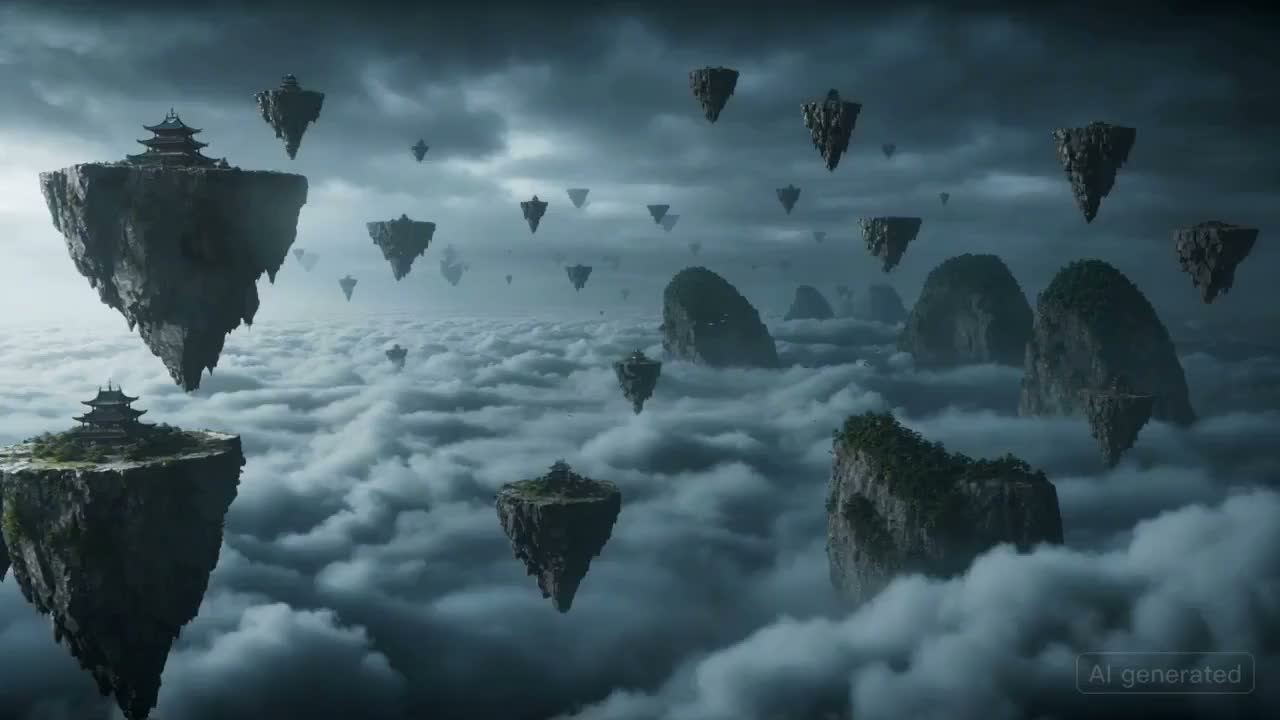
Sky Battlefield Ronin

Fast fantasy action with storm clouds, floating islands, and dramatic camera movement.

A masked warrior races across floating rock islands in a stormy sky, pursued by a colossal winged beast made of clouds and lightning. The camera moves quickly from island to island with rain, debris, dramatic sword arcs, and a final lightning-charged leap into the storm.
このツールでできること

ひとつのプロンプトから動画のたたき台へ

短いシーンを言葉で描き、出力形式を選んで生成。あとから磨き込める動画の初稿を、迷わず作れる画面です。

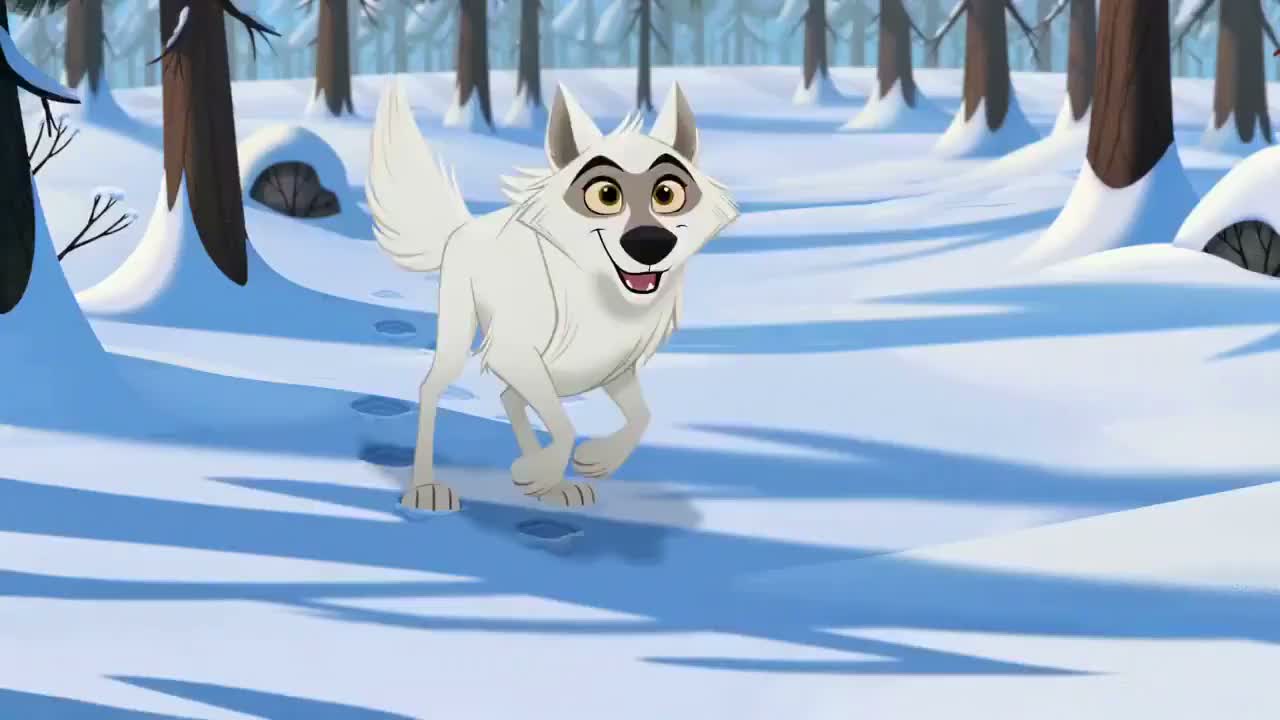
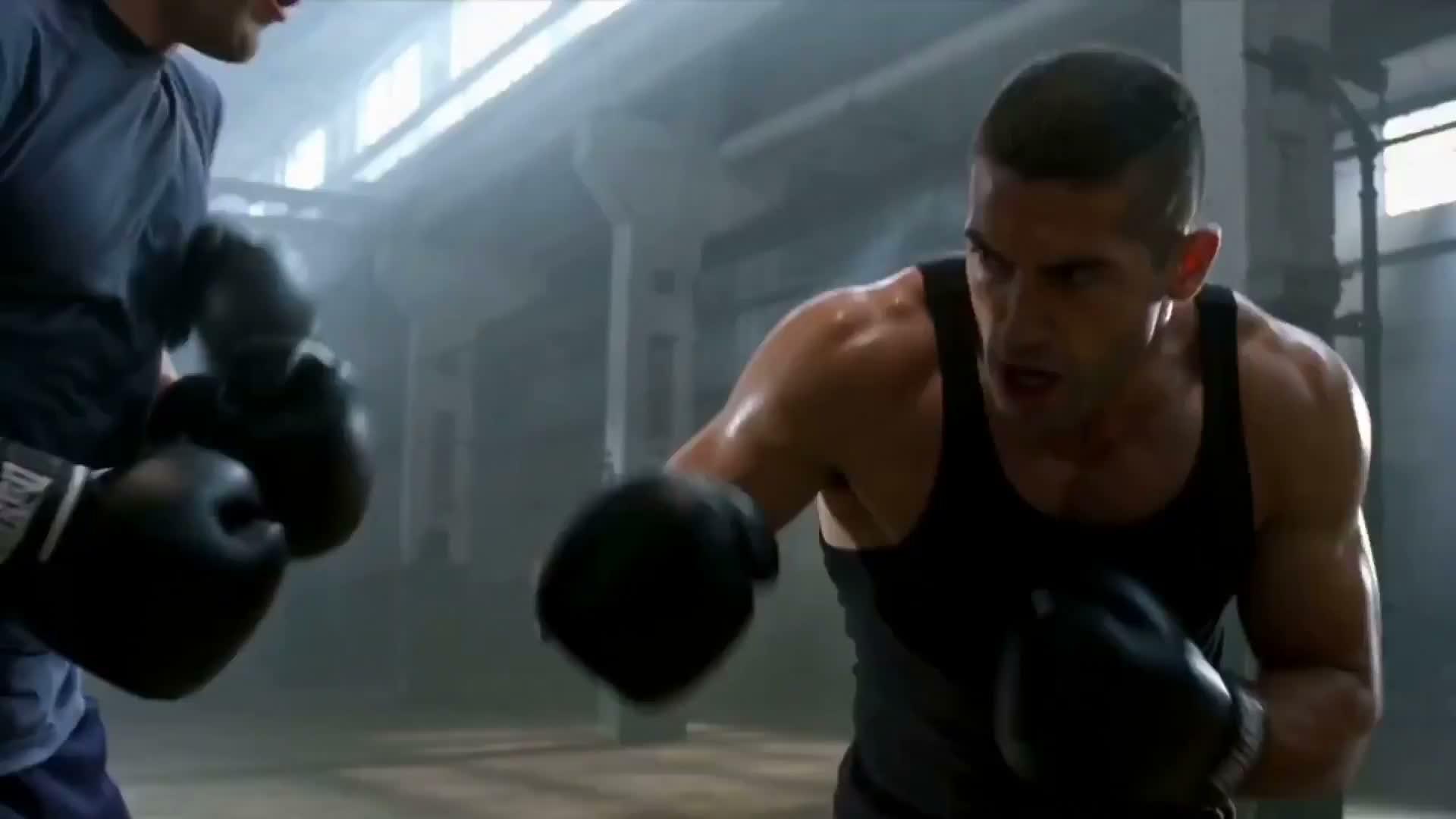
Cinematic brand engine AI video example

AI video from text

Create AI videos from text prompts

Describe the subject, action, camera movement, and mood. ImgEditor turns that direction into a short video draft without a filming setup or editing timeline.

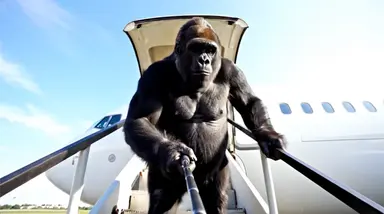
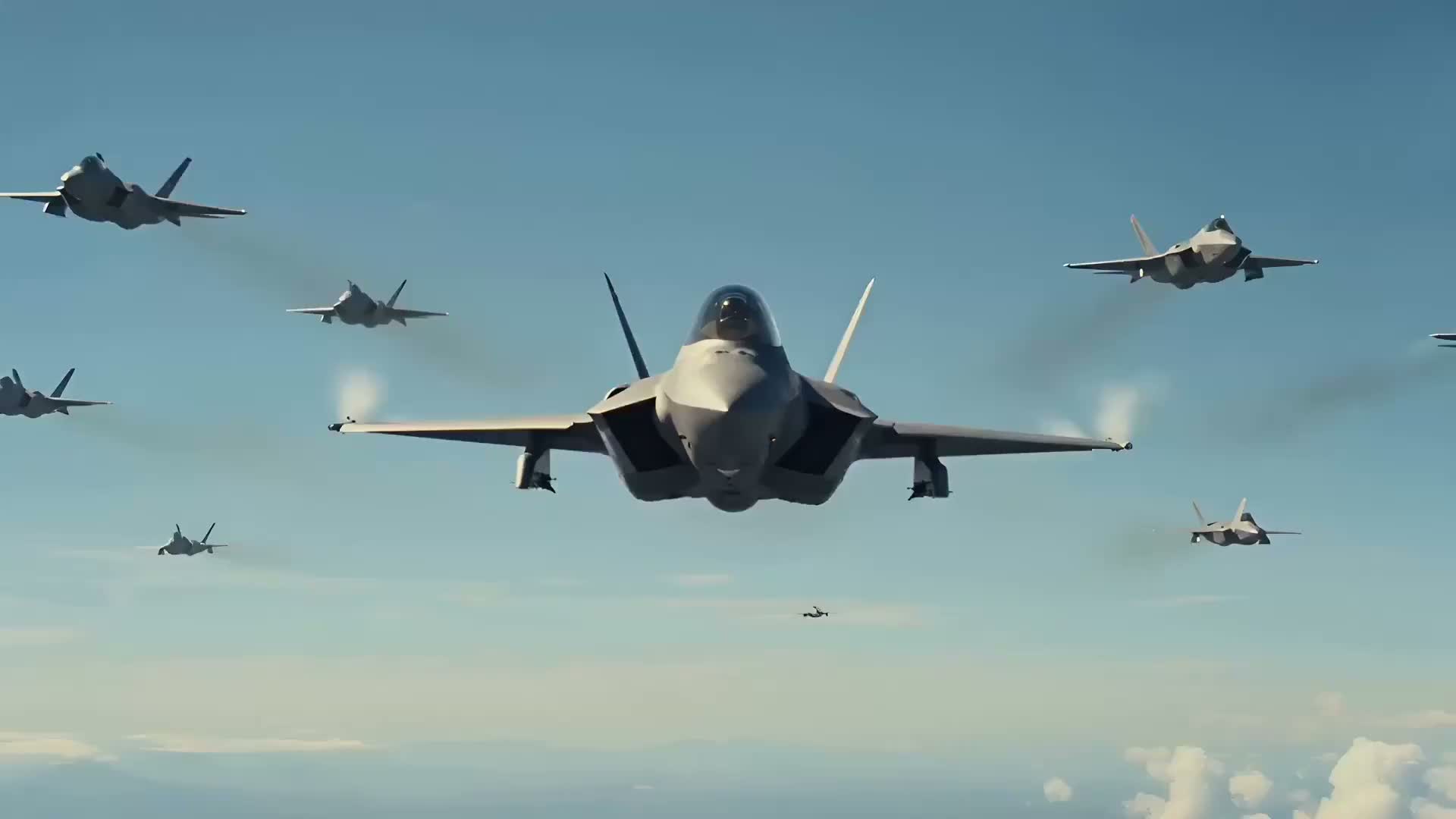
Fighter jet dogfight AI video example

Short video drafts

Turn campaign ideas into short video concepts

Use text-to-video to test product demos, ad hooks, social concepts, and cinematic scenes before investing in production.

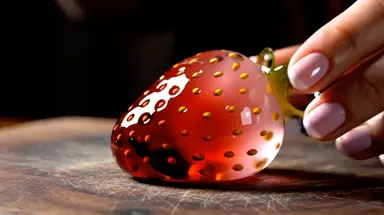
Glass strawberry ASMR AI video example

Social and ad formats

Make vertical clips, ads, and product videos faster

Pick widescreen, square, or vertical output depending on where the clip will live. Start with a reusable prompt and refine one detail at a time.

光と質感で描くブランド映像のテキスト動画作例

テキストからAI動画を生成

言葉から短いAI動画を作る

被写体、動作、カメラワーク、雰囲気を伝えると、ImgEditorが短い動画のたたき台を作ります。撮影機材や複雑な編集画面は必要ありません。

戦闘機の空中戦を描いたテキスト動画作例

短い動画をすばやく試作

マーケティングの案を動画で確かめる

本制作へ進む前に、商品デモ、広告の冒頭、SNS企画、映画風シーンを短い動画として試せます。

ガラスのイチゴASMRのテキスト動画作例

SNSと広告に合う画面比率

縦型動画、広告、商品動画を作りやすく

掲載先に合わせて横型、正方形、縦型を選び、再利用できるプロンプトから開始。生成するたびに、重要な部分をひとつずつ調整できます。

よく使われる制作フロー

作りたい動画の用途から選ぶ

TikTok向け動画、商品デモ、AI広告、解説、映画風シーン、フード動画など、実際の用途に合わせて始められます。

Vertical hooks9:16

Text to TikTok video

Creators and social teams

Create a vertical hook with clear motion, fast pacing, and a simple reveal for Reels, Shorts, and TikTok.

Launch and ecommerce clips16:9

Product demo video

Founders, marketers, and stores

Show a product with controlled camera movement, studio lighting, and a polished commercial mood.

Campaign tests1:1

AI ad video

Performance and brand teams

Draft a short ad concept that can become a landing page visual, social creative, or campaign test.

Mood and story concepts16:9

Cinematic scene

Filmmakers and creative teams

Prototype a scene with atmosphere, camera language, and a clear visual moment before production.

SaaS and education16:9

Explainer video

Product and learning teams

Turn an abstract workflow or lesson into a simple motion concept with clear visual structure.

Restaurants and product food shots16:9

Food video

Food brands and creators

Create appetizing close-ups with steam, texture, slow motion, and warm lighting for menus or social clips.

縦型動画の冒頭9:16

テキストからTikTok動画を作る

クリエイターやSNS運用チーム

明確な動作、速いテンポ、わかりやすい見せ場を使い、TikTok、Reels、Shorts向けの縦型動画を作ります。

商品発表やEC向けの短い動画16:9

商品デモ動画

事業者、マーケター、EC運営者

狙ったカメラワーク、スタジオ照明、整った広告表現で商品を見せます。

広告クリエイティブの検証1:1

AI動画広告

運用型広告やブランドの担当チーム

ランディングページ、SNS広告、キャンペーンで試せる短い広告案を、まず1本の動画にします。

空気感や物語の検討16:9

映画風シーン

映像制作者やクリエイティブチーム

本制作の前に、場面の空気、カメラワーク、見せたい瞬間を動画にして、物語の方向性を確認します。

SaaSや学習コンテンツ16:9

解説動画

プロダクトチームや教育担当者

抽象的な作業の流れや学習内容を、順序がわかる動きのある構想へ整理します。

飲食店や食品の紹介16:9

フード動画

食品ブランドやコンテンツ制作者

湯気、質感、スローモーション、暖かな光の寄りで、メニュー、商品ページ、SNSに使える食欲をそそる映像を作ります。

使い方

テキストから動画を作る手順

長く詰め込んだ指示より、目的をひとつに絞ったプロンプトが効果的です。最初はシンプルに作り、結果を見て調整しましょう。

1

Pick a video goal

Start with the job: product demo, TikTok hook, AI ad, explainer, or cinematic scene.

2

Describe scene and motion

Write the subject, action, camera movement, lighting, and mood in one focused prompt.

3

Choose format and duration

Select widescreen, vertical, or square output and choose a short duration for the first draft.

4

Generate and refine

Review the video, reuse a prompt, or simplify one detail at a time for the next version.

5

動画の目的を決める

商品デモ、TikTokの冒頭、AI広告、解説、映画風シーンなど、最初に作る動画をひとつ選びます。

6

場面と動作を伝える

被写体、動作、カメラワーク、光、雰囲気を、ひとつの焦点を持つプロンプトにまとめます。

7

画面比率と長さを選ぶ

横型、縦型、正方形から出力を選び、最初は短い動画で方向性を確かめます。

8

生成して少しずつ調整

結果を確認し、同じプロンプトを再利用するか、次の生成で要素をひとつだけ簡潔に調整します。

プロンプトの組み立て方

迷わず書ける6つの要素

細部を足す前に、まずは次の順序で骨格を作ります。

Subject + Action + Camera + Style + Lighting + Mood

Subject

What appears in the scene.

Action

What changes over time.

Camera

Push-in, dolly, orbit, handheld, or overhead.

Style

Cinematic, commercial, editorial, realistic, or animated.

Lighting

Studio, daylight, neon, golden hour, or moody.

Mood

Energetic, calm, luxury, dramatic, or playful.

被写体

画面に何を登場させるか。

動き

時間とともに何がどう変化するか。

カメラ

プッシュイン、ドリー、旋回、手持ち、俯瞰など。

スタイル

映画風、広告風、雑誌風、実写風、アニメーションなど。

スタジオ光、自然光、ネオン、ゴールデンアワー、暗めの照明など。

雰囲気

躍動的、穏やか、上質、ドラマチック、遊び心のある印象など。

Product demo prompt

A premium product demo video of a matte black smartwatch rotating on a clean studio background, slow camera orbit, soft reflections, cinematic commercial lighting, 8 seconds.

TikTok hook prompt

A vertical social video hook with a surprising product reveal on a desk, quick camera push-in, bright color accents, energetic pacing, clean creator studio, 8 seconds.

商品デモのプロンプト

A premium product demo video of a matte black smartwatch rotating on a clean studio background, slow camera orbit, soft reflections, cinematic commercial lighting, 8 seconds.

TikTokの冒頭用プロンプト

A vertical social video hook with a surprising product reveal on a desk, quick camera push-in, bright color accents, energetic pacing, clean creator studio, 8 seconds.

活用シーン

テキストからの動画生成が役立つ場面

単なるキーワード別の分類ではなく、実際の制作現場でよくある目的を紹介します。

TikTok and Reels clips

Create vertical short-form clips from hooks, scene ideas, product moments, or creator concepts.

Product demo videos

Turn a product idea into a short commercial-style video with motion, lighting, and camera direction.

Short ad creatives

Draft quick ad concepts for campaigns, landing pages, and performance creative tests.

Cinematic story scenes

Describe a scene, mood, and camera path to create a short narrative or visual concept.

Explainer videos

Generate simple motion concepts for workflows, education, onboarding, and product explanations.

Background and abstract motion

Create clean loops, intro visuals, and background motion for videos, websites, and presentations.

TikTok・Reels向け動画

冒頭のつかみ、場面のアイデア、商品の見せ場、クリエイター企画から縦型ショート動画を作ります。

商品デモ動画

動作、光、カメラワークを指定し、商品案を短い広告風の紹介動画にします。

短い広告案

キャンペーン、ランディングページ、運用型広告の検証に使う短い動画案をすばやく作ります。

映画風の物語シーン

場面、雰囲気、カメラの経路を伝え、短い物語や映像コンセプトを作ります。

解説動画

作業手順、学習、初回案内、商品説明に使える、順序のわかりやすい動きの構想を作ります。

背景・抽象アニメーション

動画、Webサイト、プレゼン資料に使う、すっきりしたループ、導入映像、動く背景を作ります。

ImgEditorを選ぶ理由

テキストから動画を作るならImgEditor

短い動画の試作、わかりやすいプロンプト、繰り返し使える制作フローに集中できる設計です。

No editing timeline needed

Start from a prompt instead of opening a complex editor or filming source footage.

Examples for faster starts

Use ready-made prompts for product demos, social hooks, ads, explainers, and cinematic scenes.

Formats for every channel

Create widescreen, square, and vertical drafts for sites, ads, TikTok, Reels, and Shorts.

Saved creation workflow

Generated videos can be reviewed from My Creations so the page feels like a workspace, not a one-off form.

Simple credit estimate

The generate button keeps credit cost visible before you start a text-to-video job.

Built for short video ideas

The page is tuned for focused clips where one clear scene beats a long mixed prompt.

複雑な編集画面は不要

撮影素材を用意したり、多機能な編集ソフトを開いたりせず、テキストプロンプトから始められます。

作例があるから始めやすい

商品デモ、SNSの冒頭、広告、解説、映画風シーン向けのプロンプトを土台にできます。

掲載先に合う画面比率

Webサイト、広告、TikTok、Reels、Shorts向けに、横型、正方形、縦型の動画案を作れます。

制作の続きはマイ作品で

生成した動画はマイ作品に保存され、あとから結果の確認や次の制作へ進めます。一度きりの入力フォームではなく、継続して使えるワークスペースです。

生成前にクレジットを確認

テキストから動画生成を送信する前に、現在のモデルと設定に必要なクレジットが生成ボタンに表示されます。

短く明確な動画案に集中

ひとつの場面に焦点を当てた短い動画向けの画面です。多くの要求を混ぜるより、意図が明確なひとつのシーンの方が効果的です。

関連ツール

人気のAI動画ツール

次の作業に合うImgEditorの制作画面へ移動できます。

料金

用途に合ったプランをお選びください

年額プランは年単位で請求され、クレジットは毎月付与されます。毎月付与されるクレジットの有効期限は30日です。

ベーシック

$179/

$238.8 / 年

商品写真の軽い修正、背景差し替え、商品ページ更新をたまに行う方向け

1,200クレジット / 月25%OFF
約 $14.92 / 月
  • 月間クレジット - 1,200(2K画像約80枚)
  • 2K生成と透かしなしの標準書き出し
  • 商品写真の修正、プロンプト編集、参照画像ベースのワークフロー
  • Pro以上で優先生成キューを利用可能
  • 商用利用権
おすすめ

プロ

$359/

$478.8 / 年

毎週の商品ビジュアル制作、広告用画像の更新、継続的なキャンペーン作業向け

3,000クレジット / 月25%OFF
約 $29.92 / 月25%OFF
  • 月間クレジット - 3,000(2K画像約200枚)
  • 1K/2K生成 + 透かしなし書き出し
  • 商品ページ、広告、ローンチページ向けの編集・アップスケール・参照画像ワークフロー
  • 優先生成キューでより高速に出力
  • 商用利用権 + 優先メールサポート

Max

$539/

$718.8 / 年

高頻度の商品画像制作、ローンチ素材、継続的なキャンペーン更新向け

6,000クレジット / 月25%OFF
約 $44.92 / 月25%OFF
  • 月間クレジット - 6,000(2K画像約400枚)
  • 1K/2K生成 + 透かしなし書き出し
  • 大量のクリエイティブ制作向けの高速な有料生成チャネル
  • 商品ページ、広告、ローンチ、キャンペーン更新向けの高度な商品ビジュアルワークフロー
  • 商用利用権 + より迅速なサポート

Ultra

$719/

$958.8 / 年

大きな商品カタログ、高い制作頻度、継続的な商品ビジュアル運用向け

10,000クレジット / 月25%OFF
約 $59.92 / 月25%OFF
  • 月間クレジット - 10,000(2K画像約660枚)
  • 1K/2K生成 + 透かしなし書き出し
  • 大量の商品画像修正、品質向上、キャンペーン素材制作
  • Webアプリ内で最優先の生成キューにより最速クラスで出力
  • 商用利用権 + できる限り迅速なサポート

お支払いはStripeで安全に保護されています

よくある質問

テキストから動画生成について

01

What is a text to video AI generator?

A text to video AI generator turns a written prompt into a short video. You describe the subject, action, camera movement, style, and mood, then ImgEditor creates a video from that direction.

02

How do I write a good text-to-video prompt?

Start with the subject and action, then add camera movement, visual style, lighting, mood, and duration. Specific prompts are usually easier to control than vague one-line ideas.

03

Can I generate TikTok or Reels videos from text?

Yes. Choose a vertical aspect ratio, write a short prompt with a clear hook or motion idea, and keep the scene focused so it works well as a short social clip.

04

Can I use text-to-video for product demos?

Yes. Text-to-video works well for product reveal concepts, launch teasers, feature explainers, and short ad creative when you describe the product, lighting, background, and camera movement clearly.

05

How long does text-to-video generation take?

Generation time can vary by model, duration, and system load. Short focused clips usually finish faster than complex scenes with many actions or heavy visual detail.

06

What aspect ratios are supported?

The text-to-video tool supports common formats including widescreen, vertical, and square outputs, so you can create videos for websites, ads, TikTok, Reels, and other social formats.

07

Can I use generated videos commercially?

Generated videos can be used for business and creative projects according to ImgEditor terms and the rights you have for any source material, prompts, or references you provide.

08

What should I do if the video does not match my prompt?

Refine one thing at a time. Make the subject clearer, simplify the action, specify camera movement, and avoid asking for too many unrelated changes in a single short clip.

09

What is a prompt to video AI generator?

A prompt to video AI generator is another name for a text-to-video tool. Write a prompt that describes the subject, action, camera, lighting, and mood, and ImgEditor turns that direction into a short AI video draft.

10

Is there a free text-to-video preview?

Yes. After signing up, each account can generate one 6-second 480p preview with Grok Imagine using a text prompt. No credit card is required for that preview; additional generations and premium models use purchased video credits.

11

テキストから動画を生成するAIツールとは?

文章で書いたプロンプトを短い動画へ変換するツールです。被写体、動作、カメラワーク、画風、雰囲気を伝えると、ImgEditorがその内容をもとに動画を生成します。

12

効果的な動画プロンプトの書き方は?

まず被写体と動作を書き、次にカメラワーク、画風、光、雰囲気、長さを加えます。曖昧な一文より、具体的で焦点の定まったプロンプトの方が調整しやすくなります。

13

テキストからTikTokやReelsの動画を作れますか?

はい。縦型の画面比率を選び、明確なつかみや動きを含む短いプロンプトを書いてください。場面をひとつに絞ると、SNS向けの短い動画にまとめやすくなります。

14

商品デモにも使えますか?

はい。商品、光、背景、カメラワークを具体的に伝えると、商品の見せ場、発売予告、機能紹介、短い広告案を作れます。

15

動画の生成にはどのくらい時間がかかりますか?

生成時間は、選んだモデル、動画の長さ、システムの混雑状況によって変わります。動作が少なく指示が明確な短い動画は、多くの出来事や複雑な細部を含む場面より早く完了する傾向があります。

16

どの画面比率に対応していますか?

横型、縦型、正方形など一般的な画面比率に対応しています。Webサイト、広告、TikTok、Reelsなど、掲載先に合わせて選べます。

17

生成した動画を商用利用できますか?

ImgEditorの利用規約に従い、入力するプロンプト、参照素材、その他のコンテンツについて必要な権利を保有している場合、ビジネスやクリエイティブ用途に利用できます。

18

結果がプロンプトと合わない場合は?

一度にひとつの要素だけを調整してください。被写体を具体的にし、動作を簡潔にし、カメラワークを明記します。短い動画へ関連のない変化を詰め込みすぎないことも大切です。

19

「プロンプトから動画生成」と「テキストから動画生成」の違いは?

多くの場合、同じ制作フローを指します。文章で被写体、動作、カメラ、光、雰囲気を伝え、ImgEditorがその指示から短いAI動画のたたき台を作ります。

20

テキストから動画生成を無料で試せますか?

はい。登録後、各アカウントでGrok Imagineを使った6秒・480pのプレビューを1回生成できます。このプレビューにクレジットカードは不要です。追加生成とプレミアムモデルには、購入済みの動画クレジットが必要です。

ImgEditor

テキストから動画を作るワークスペース

まずは、伝えたいことをひとつに絞る

テンプレートを選び、被写体とカメラワークを調整して、最初の短いAI動画を作ってみましょう。