Text-to-video workspace

Text to Video AI Generator

Describe your video idea, pick a format, and start from examples built for social clips, ads, product demos, and cinematic scenes.

Product demoTikTok hookCinematic sceneExplainer video

Video examples

Text-to-video examples you can reuse

Preview the result first, then send the prompt into the generator when a scene matches your goal.

Action · 8s

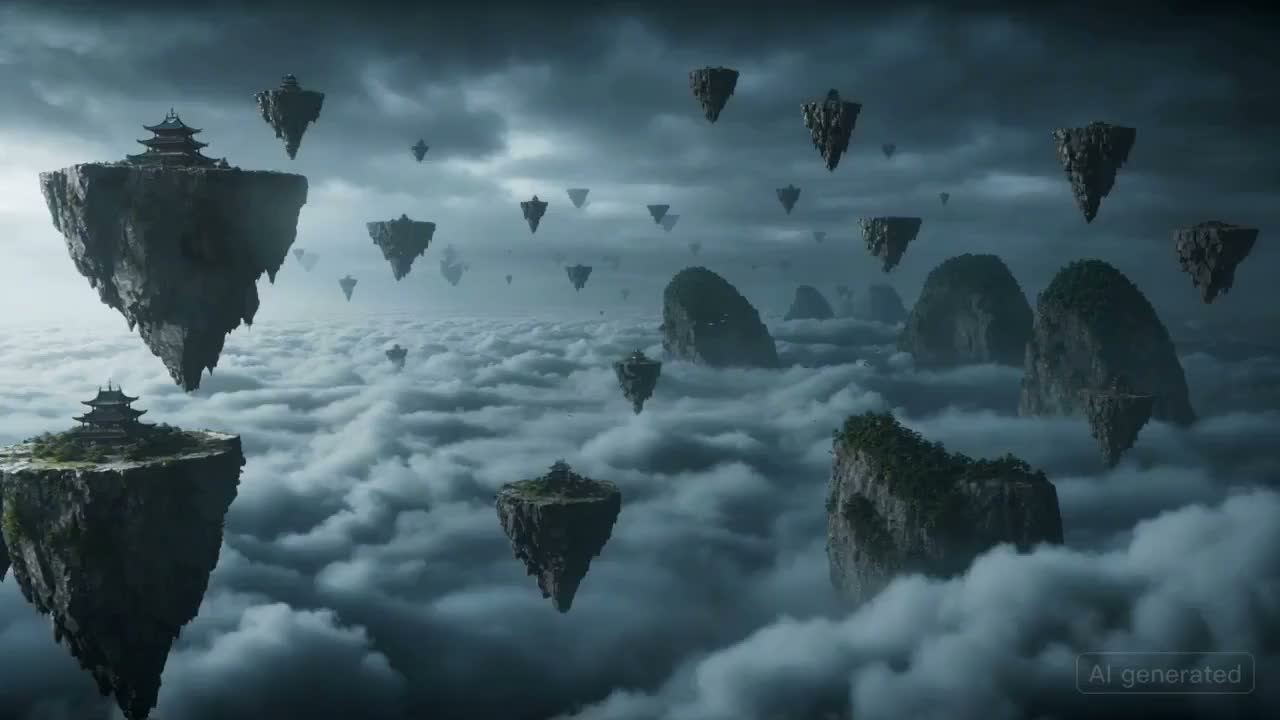
Sky Battlefield Ronin

Fast fantasy action with storm clouds, floating islands, and dramatic camera movement.

A masked warrior races across floating rock islands in a stormy sky, pursued by a colossal winged beast made of clouds and lightning. The camera moves quickly from island to island with rain, debris, dramatic sword arcs, and a final lightning-charged leap into the storm.
What this tool helps you do

From prompt to usable video draft

ImgEditor keeps the page focused on the job: describe a short scene, choose the output format, and generate a video draft you can refine.

Cinematic brand engine AI video example

AI video from text

Create AI videos from text prompts

Describe the subject, action, camera movement, and mood. ImgEditor turns that direction into a short video draft without a filming setup or editing timeline.

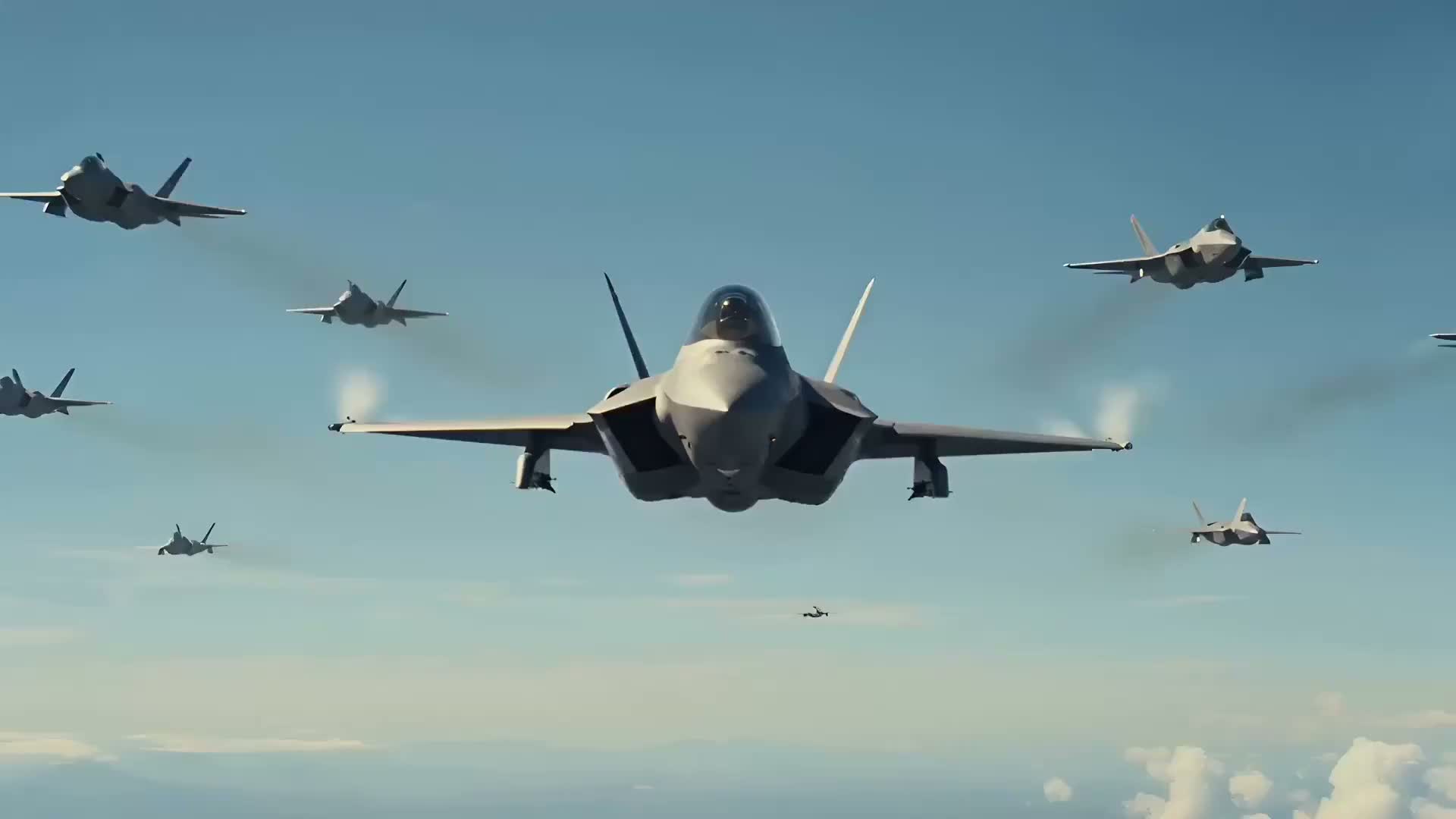
Fighter jet dogfight AI video example

Short video drafts

Turn campaign ideas into short video concepts

Use text-to-video to test product demos, ad hooks, social concepts, and cinematic scenes before investing in production.

Glass strawberry ASMR AI video example

Social and ad formats

Make vertical clips, ads, and product videos faster

Pick widescreen, square, or vertical output depending on where the clip will live. Start with a reusable prompt and refine one detail at a time.

Popular workflows

Start with the video job you need

These workflow cards cover practical jobs naturally: TikTok clips, product demos, AI ads, explainers, cinematic scenes, and food videos.

Vertical hooks9:16

Text to TikTok video

Creators and social teams

Create a vertical hook with clear motion, fast pacing, and a simple reveal for Reels, Shorts, and TikTok.

Launch and ecommerce clips16:9

Product demo video

Founders, marketers, and stores

Show a product with controlled camera movement, studio lighting, and a polished commercial mood.

Campaign tests1:1

AI ad video

Performance and brand teams

Draft a short ad concept that can become a landing page visual, social creative, or campaign test.

Mood and story concepts16:9

Cinematic scene

Filmmakers and creative teams

Prototype a scene with atmosphere, camera language, and a clear visual moment before production.

SaaS and education16:9

Explainer video

Product and learning teams

Turn an abstract workflow or lesson into a simple motion concept with clear visual structure.

Restaurants and product food shots16:9

Food video

Food brands and creators

Create appetizing close-ups with steam, texture, slow motion, and warm lighting for menus or social clips.

How it works

How to create a video from text

A focused prompt works better than a long mixed brief. Keep the first draft simple, then refine.

1

Pick a video goal

Start with the job: product demo, TikTok hook, AI ad, explainer, or cinematic scene.

2

Describe scene and motion

Write the subject, action, camera movement, lighting, and mood in one focused prompt.

3

Choose format and duration

Select widescreen, vertical, or square output and choose a short duration for the first draft.

4

Generate and refine

Review the video, reuse a prompt, or simplify one detail at a time for the next version.

Prompt structure

A simple text-to-video prompt formula

Use one clean structure before adding extra detail.

Subject + Action + Camera + Style + Lighting + Mood

Subject

What appears in the scene.

Action

What changes over time.

Camera

Push-in, dolly, orbit, handheld, or overhead.

Style

Cinematic, commercial, editorial, realistic, or animated.

Lighting

Studio, daylight, neon, golden hour, or moody.

Mood

Energetic, calm, luxury, dramatic, or playful.

Product demo prompt

A premium product demo video of a matte black smartwatch rotating on a clean studio background, slow camera orbit, soft reflections, cinematic commercial lighting, 8 seconds.

TikTok hook prompt

A vertical social video hook with a surprising product reveal on a desk, quick camera push-in, bright color accents, energetic pacing, clean creator studio, 8 seconds.

Use cases

Who uses text-to-video workflows?

These are real jobs people bring to a text-to-video generator, not just keyword categories.

TikTok and Reels clips

Create vertical short-form clips from hooks, scene ideas, product moments, or creator concepts.

Product demo videos

Turn a product idea into a short commercial-style video with motion, lighting, and camera direction.

Short ad creatives

Draft quick ad concepts for campaigns, landing pages, and performance creative tests.

Cinematic story scenes

Describe a scene, mood, and camera path to create a short narrative or visual concept.

Explainer videos

Generate simple motion concepts for workflows, education, onboarding, and product explanations.

Background and abstract motion

Create clean loops, intro visuals, and background motion for videos, websites, and presentations.

Why ImgEditor

Why use ImgEditor for text-to-video?

The page is designed around short video drafts, clear prompts, and repeatable workflows.

No editing timeline needed

Start from a prompt instead of opening a complex editor or filming source footage.

Examples for faster starts

Use ready-made prompts for product demos, social hooks, ads, explainers, and cinematic scenes.

Formats for every channel

Create widescreen, square, and vertical drafts for sites, ads, TikTok, Reels, and Shorts.

Saved creation workflow

Generated videos can be reviewed from My Creations so the page feels like a workspace, not a one-off form.

Simple credit estimate

The generate button keeps credit cost visible before you start a text-to-video job.

Built for short video ideas

The page is tuned for focused clips where one clear scene beats a long mixed prompt.

Tool navigation

Popular AI Video Tools

Jump to the related ImgEditor workflow you need next.

Pricing

Choose the plan that works best for you

Annual plans are billed yearly, with credits granted monthly. Monthly credits expire after 30 days.

Basic

$179/ yr

$238.8 / yr

For occasional product photo cleanup, background replacement, and listing updates

1,200 credits / moSave 25%
≈ $14.92 / mo
  • Credits per month - 1,200 (~80 2K images)
  • 2K generation and watermark-free standard exports
  • Product photo cleanup, prompt-based edits, and reference-driven image workflows
  • Priority generation queue on Pro and higher
  • Commercial usage rights
Recommended

Pro

$359/ yr

$478.8 / yr

Best for weekly product visuals, ad-ready image refreshes, and repeat campaign work

3,000 credits / moSave 25%
≈ $29.92 / moSave 25%
  • Credits per month - 3,000 (~200 2K images)
  • 1K/2K generation access + watermark-free exports
  • Editing, upscaling, and reference-driven workflows for listings, ads, and launch pages
  • Priority generation queue for faster results
  • Commercial usage rights + priority email support

Max

$539/ yr

$718.8 / yr

For high-frequency product image production, launch assets, and repeated campaign updates

6,000 credits / moSave 25%
≈ $44.92 / moSave 25%
  • Credits per month - 6,000 (~400 2K images)
  • 1K/2K generation access + watermark-free exports
  • Faster paid generation channel for larger creative batches
  • Advanced product visual workflows for listings, ads, launches, and campaign refreshes
  • Commercial usage rights + faster support

Ultra

$719/ yr

$958.8 / yr

For larger catalogs, heavier production volume, and ongoing product visual operations

10,000 credits / moSave 25%
≈ $59.92 / moSave 25%
  • Credits per month - 10,000 (~660 2K images)
  • 1K/2K generation access + watermark-free exports
  • High-volume product image cleanup, enhancement, and campaign asset production
  • Best queue priority in the web app for the fastest results
  • Commercial usage rights + best-effort support

Payment protected by Stripe

FAQ

Text to Video AI Generator FAQ

01

What is a text to video AI generator?

A text to video AI generator turns a written prompt into a short video. You describe the subject, action, camera movement, style, and mood, then ImgEditor creates a video from that direction.

02

How do I write a good text-to-video prompt?

Start with the subject and action, then add camera movement, visual style, lighting, mood, and duration. Specific prompts are usually easier to control than vague one-line ideas.

03

Can I generate TikTok or Reels videos from text?

Yes. Choose a vertical aspect ratio, write a short prompt with a clear hook or motion idea, and keep the scene focused so it works well as a short social clip.

04

Can I use text-to-video for product demos?

Yes. Text-to-video works well for product reveal concepts, launch teasers, feature explainers, and short ad creative when you describe the product, lighting, background, and camera movement clearly.

05

How long does text-to-video generation take?

Generation time can vary by model, duration, and system load. Short focused clips usually finish faster than complex scenes with many actions or heavy visual detail.

06

What aspect ratios are supported?

The text-to-video tool supports common formats including widescreen, vertical, and square outputs, so you can create videos for websites, ads, TikTok, Reels, and other social formats.

07

Can I use generated videos commercially?

Generated videos can be used for business and creative projects according to ImgEditor terms and the rights you have for any source material, prompts, or references you provide.

08

What should I do if the video does not match my prompt?

Refine one thing at a time. Make the subject clearer, simplify the action, specify camera movement, and avoid asking for too many unrelated changes in a single short clip.

09

What is a prompt to video AI generator?

A prompt to video AI generator is another name for a text-to-video tool. Write a prompt that describes the subject, action, camera, lighting, and mood, and ImgEditor turns that direction into a short AI video draft.

10

Is there a free text-to-video preview?

Yes. After signing up, each account can generate one 6-second 480p preview with Grok Imagine using a text prompt. No credit card is required for that preview; additional generations and premium models use purchased video credits.

ImgEditor

Text-to-video workspace

Start with one clear prompt

Pick a template, adjust the subject and camera movement, then create your first short AI video with ImgEditor.